Refine your search results
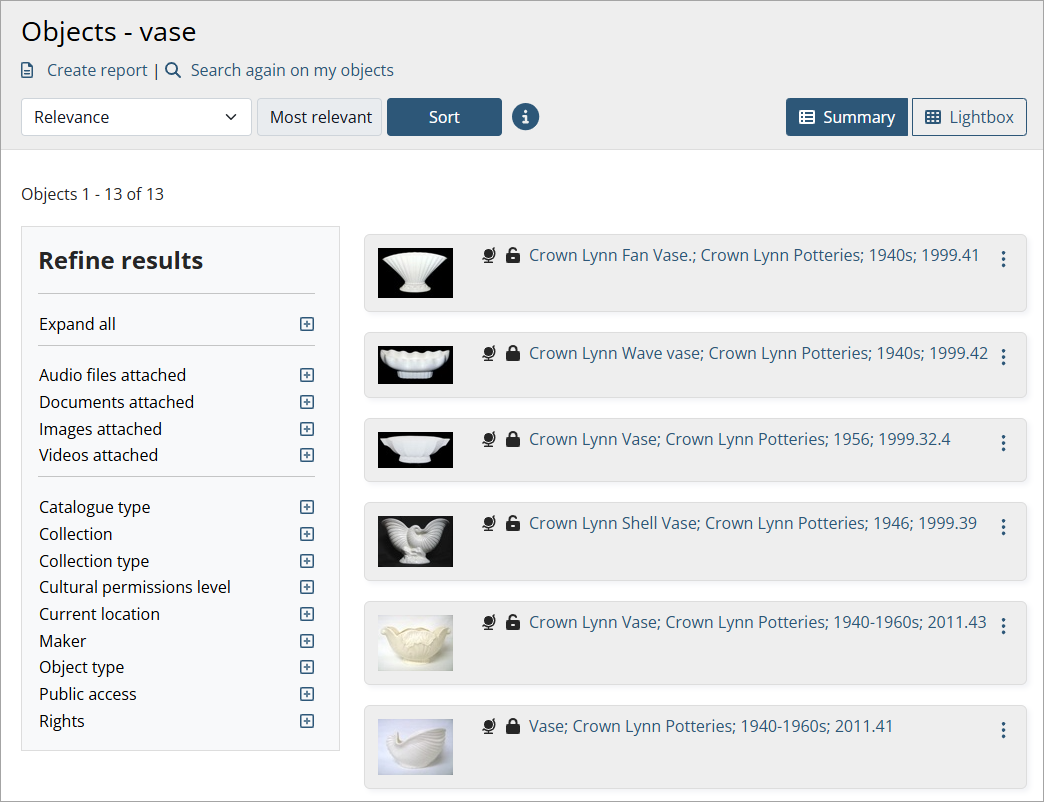
When viewing your records, you can refine your results by checking the filters on the left-hand side of the screen.
Examples
-
To show only records with images, expand the Images attached filter and check Yes.
-
To show only objects in a specific location, expand the Current location filter and check the location.
-
To show only works by a specific maker, expand the Maker filter and check the maker.
View all filter options
To expand all filters, select Expand all.